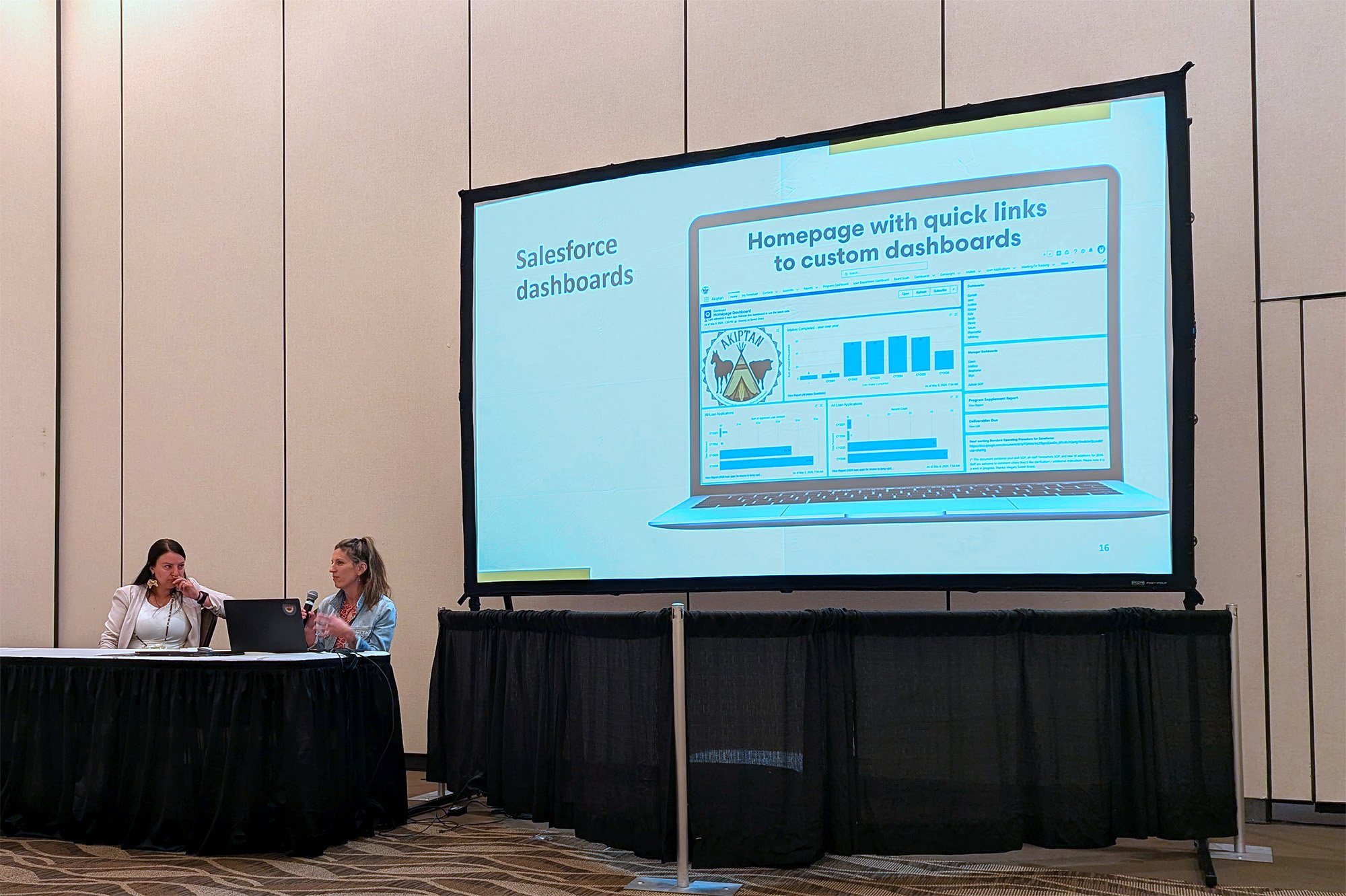
Megan Andrews-Sharer (right) presents during the 2026 Capital Access Convening with Skya Ducheneaux, executive director of Akiptan (left).
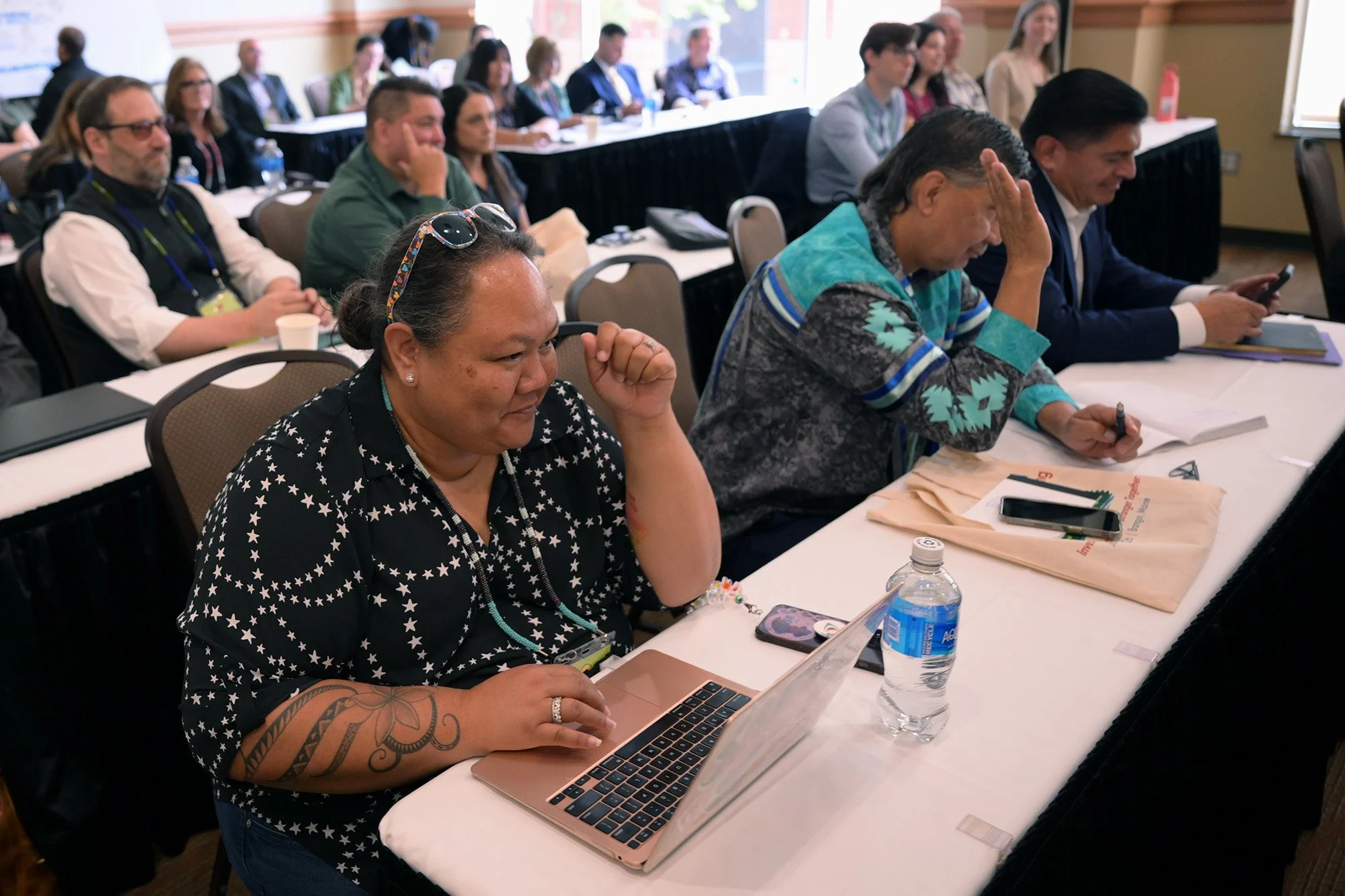
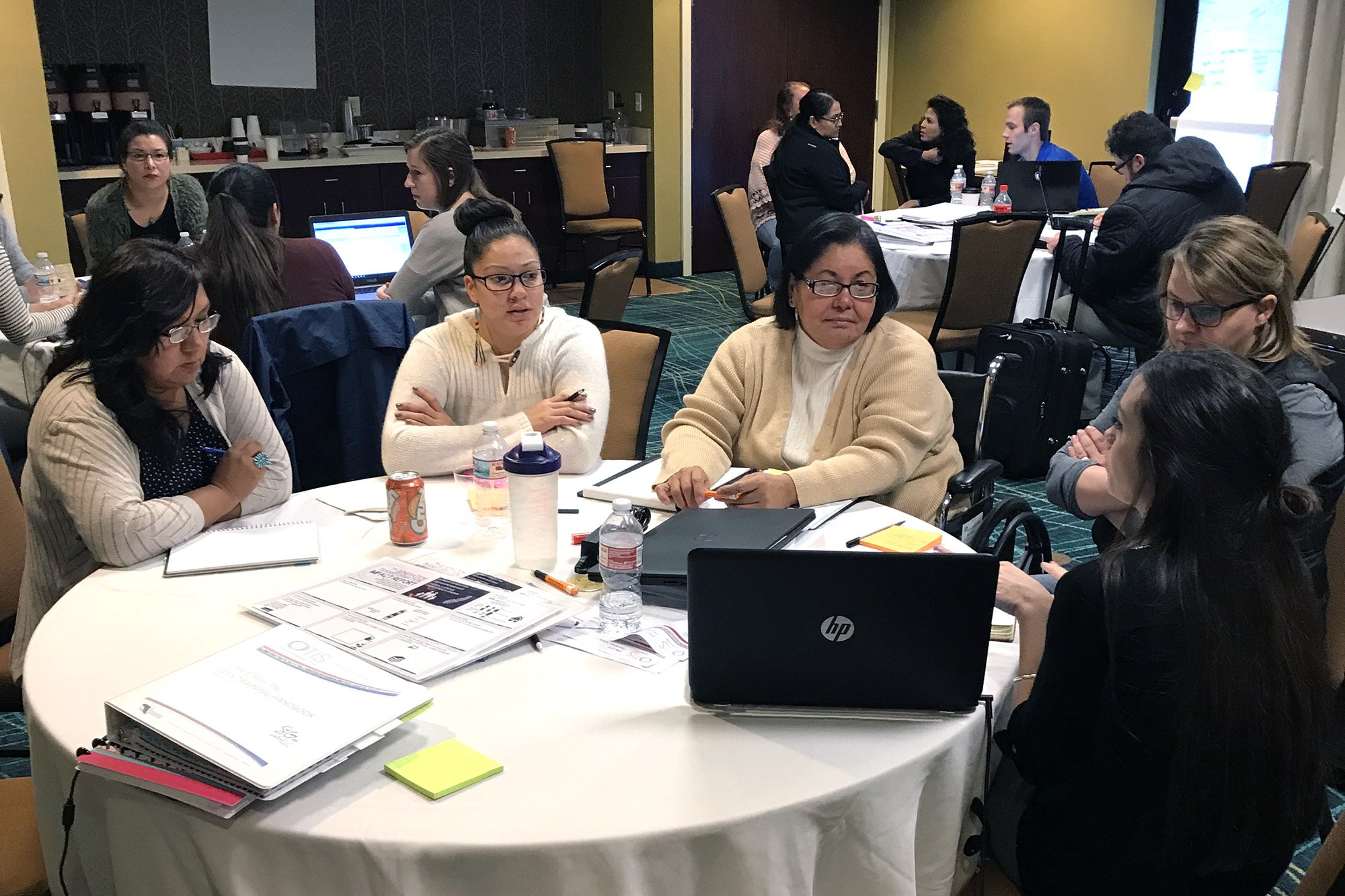
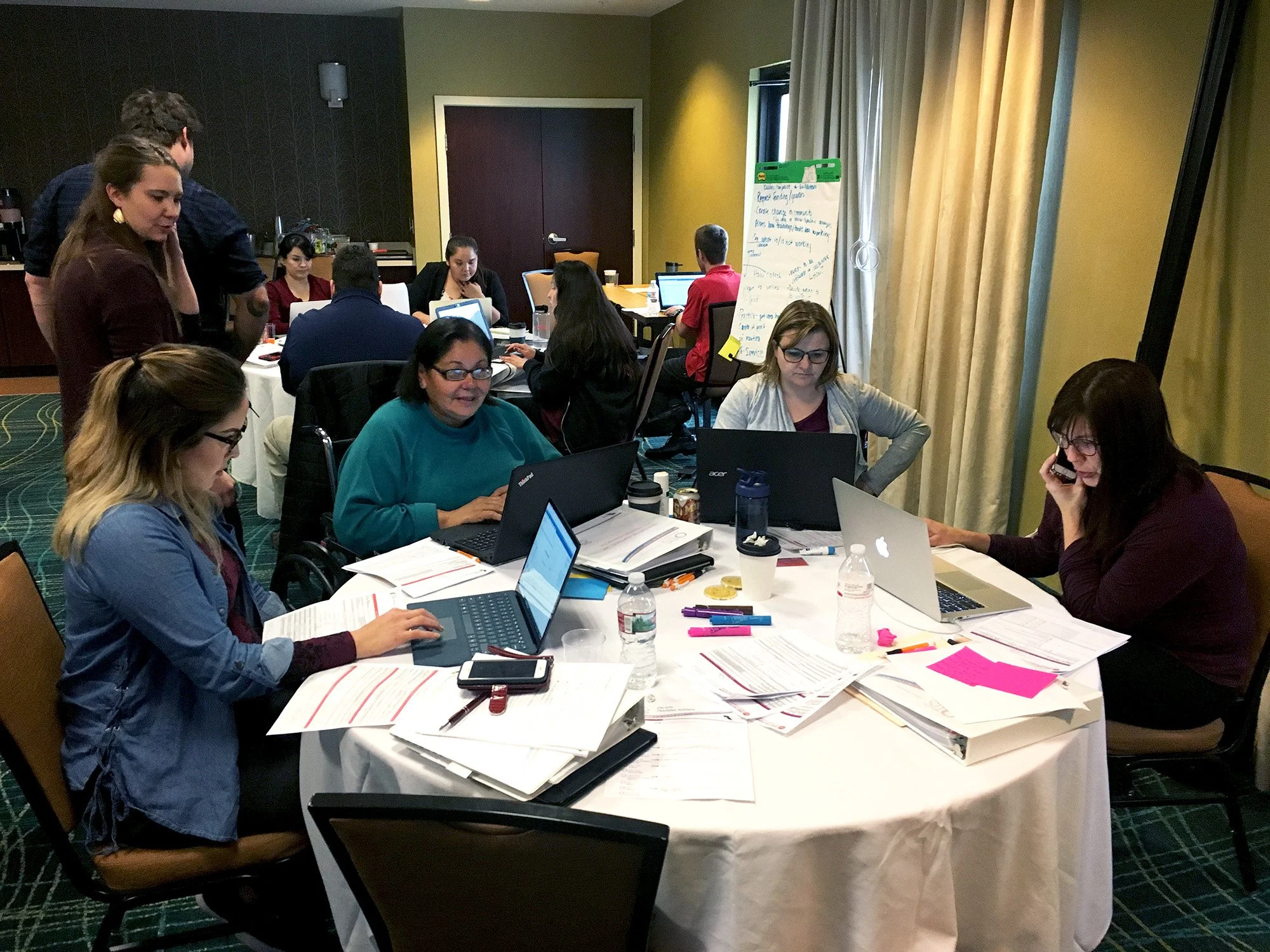
Last June at Oweesta’s Capital Access Convening in Bangor, Maine, we presented to a room filled with dynamic and visionary Native CDFI leaders. Conversations at the event focused on current or potential experiences with data systems and how to manage Salesforce for team use, with lots of folks specifically wanting to know more about tools and processes their peers were using in Salesforce. After our presentation, we noticed that when an audience member asked a question — almost any question — the rest of the audience nodded in agreement. So many people have the same questions, or at least had the same questions at some point in their Salesforce journey, and we could see learning taking place in real time. It was a perfect example of how a peer, especially a peer you’re familiar with and whose work you trust and admire, can be one of your greatest teachers.
Technology is a topic with lots of breadth and depth, and somehow one is expected to know all about it, even if it’s not their specialty. Loan officers and program directors should be able to just do their jobs without having to become experts in various forms of technology, but that’s not often the case. There are lots of steps between novice and expert, though, and the more comfortable you are with Salesforce, the less daunting it will seem. With our help, Salesforce will feel more approachable, and before you know it, you’ll be able to get in there and customize those dashboards yourself!
Questions from Salesforce users
In our work with Native CDFIs, we’ve seen the most success with Salesforce when staff are engaged and asking questions. This includes everyone from new users to those who’ve been using it for years. So we’ve rounded up the answers to the questions we get asked most often to help you use Salesforce to its greatest potential.
Let’s get started!
1) Can this process be automated?
Yes — with a caveat. Automation requires definitions — from the definition of a word like “TA” (technical assistance) to a defined process. When we talk about automation with a client, we ask questions like:
Is the process you’re outlining always the case?
What are the exceptions?
Are there instances where these rules are not true?
Automation is a cool tool, but many times the user has to add wisdom and perspective that Salesforce alone can’t be expected to process or automatically incorporate without a manual override. For example, a TA provider may have background context about a person that influences a decision, or an executive director has context about a weather event that just impacted community members.
Because automation is just that — automatic — we caution clients to be very clear on when something should or should not happen. For instance, if you have a lot of exceptions or unique use cases, it’s best to continue the process manually, or only automate specific parts of it. This may be a good opportunity to refine, streamline, and get very clear on your internal processes! Automation is great when you have a definitive, repeatable process that doesn’t change, and when the information is specific and always true.
Common uses for automation:
A loan officer verifies 10 fields related to a loan application and sends an email to confirm a business is registered.
A user makes a donation to your organization for the first time, and a thank-you email is triggered.
A client registers for a class and receives a confirmation email, a calendar invite, and a receipt of payment.
2) Can we integrate our existing software?
Yes, though it can be a matter of cost. Free options have limited capabilities, but they might be enough to fit your needs. Paid options tend to have more flexibility, but you’ll need to make sure they fit your budget. All options deserve thought before they’re implemented, and thinking about the “why” is important. For example, most types of email marketing software integrate with Salesforce, but what will the data tell you? What do you want to know? If the data tell you when a contact receives a weekly marketing email, that might not be the strategic information you’re looking for. It may even harm your system by clogging it up with unnecessary data, and the specific one-to-one email communication you want to track has been lost in a slew of other marketing emails.
Our advice? Move in stages and start with the basics. Don’t implement a new integration until you’re solid on the previous one. Here again, understanding the “why” behind an integration is helpful in gauging if it’s a “must-have” or a “nice-to-have.”
Common integrations and examples:
Loan software — TEA, DownHome
Form tools — FormAssembly, Formstack
Donor platforms — GiveLively, DonorBox, Classy
Email and marketing platforms — Mailchimp, Constant Contact, HubSpot
Video conferencing — Zoom, Microsoft Teams, Google Meet
TA tracking — Initiate
3) Can we create custom reports?
Most often, yes. Salesforce offers both standard and custom reports, which are typically sufficient for the CDFIs and nonprofits we work with. And while creating a custom report is easy, there are some limitations. For example, custom report types are limited to four objects, and those objects must be related. Thinking about these relationships is something we do during a discovery phase, and that’s why our biggest takeaway from this question is that discovery is important! Brainstorm possibilities and explore how they can connect to the information you collect. Before you build your Salesforce system, you need to take the time to think through what you want your data to do.
Sometimes it’s not possible to create the report you need with Salesforce’s out-of-the-box functionality, and additional automations or integrations are required. Ideally, this would be addressed during the discovery phase, so the needed integrations would be implemented from the start.
Common reports and dashboards:
TLR (CDFI Fund’s Transaction Level Report)
Oweesta’s Quarterly Borrower Report
HUD 9902
NeighborWorks
SBA (Small Business Administration)
Annual impact report metrics
Custom grant reports
4) How long does a typical Salesforce implementation take, and how much should we budget?
It depends. Initial implementations vary greatly from organization to organization. It hinges on the size of your organization, the amount of data migration, integration requirements, and your need for customization. Additionally, the time your team can dedicate to the project greatly impacts the timeline. Generally, though, a typical implementation spans 6–12 months.
Costs can vary from $40,000–$100,000+, depending on your specific needs. It’s important to remember that the costs don’t end after your initial build. You’ll need ongoing support if you don’t have an internal admin to manage your system. Support can mean training new staff members or helping existing staff members build reports. The bottom line: Salesforce costs money, and that will continue after your initial implementation, so it’s best to be prepared and account for it in your budget each year.
Our phased approach:
Discovery. Discovery helps you identify gaps and priorities for your Salesforce implementation. Using the findings, we help you firm up or develop org-wide process maps and outlining procedures. This is the time to get your whole team aligned.
Implementation. We build out your customized Salesforce platform, including reports and dashboards, and add automations that help expedite the processes you defined during discovery.
Migration. During this phase, we move data out of your old system through exports. We clean it to match your new system and import it into Salesforce. Because of data dependencies and the learning curve of a new system, data migration is phased to some degree. It’s up to you to decide how much you want to change as part of one project. Maybe you want to begin by setting up one tool for one department, and later migrate historical data, build out grants, and integrate additional software. The choice is yours.
Support. We’ll stay on after initial implementation to provide admin support, technical assistance, and staff training. We offer three different TA packages for ongoing support, but we’ll happily train and transfer duties to an internal staff member if you prefer.
Learn more about our personalized technical assistance packages and system support.
5) How do we prepare for implementation?
Take inventory of your systems. Where does your data currently live? Do staff members have spreadsheets no one else knows about? Do you have multiple systems doing the same thing? Getting a really clear picture of where your data lives is a helpful first step when thinking about the direction you want to go.
Talk to your staff to understand what the current pain points are. This will help you identify if it’s a people problem or a software problem. For example, what feels most repetitive? What reports take the most time? If you had an ideal way of doing a certain process, what would it be?
Talk to your staff to determine their capacity for changing their current method of data tracking and management. What can you do as their manager to support their participation in the project? How will it benefit your team and organization?
Understand which of your processes are clearly outlined and which ones need revisiting before implementation. Are there any decisions or changes you’ve been putting off?
Think about your needs for reporting. What data do you want to track? How will it be presented and used?
Clean your current data. No need to import duplicates or bring data that’s no longer useful into your new system! Take this step in advance to help simplify your implementation. Start by identifying what data you actively use and care about. What other data might you store for historical context or reference? How can you consolidate your data into spreadsheets for migration? Do you have that ability, or do you need support from a vendor or software team?
Identify a project team. Select one to three people from your organization who have a thorough understanding of processes and reporting requirements. Is there someone who can make spending decisions on new tools and technologies? Is there a staff member who’s interested in becoming a Salesforce administrator? Who currently runs reports and cleans data?
Remember, you don’t have to do everything at once. Deciding on a few top priorities will help you manage the feeling of being overwhelmed. You can always build your system out later, and we’ve found that starting small and building a solid foundation results in the most success.
6) Can we bring our existing data with us?
Yes, but it’s a big project in and of itself. You need to be thoughtful and strategic to do it in a productive way. We suggest cleaning your data ahead of time, thinking about your implementation goals, identifying the data that matters, and considering a phased approach (see above).
Mapping historical data to a new system can be complicated. For example, in Homekeeper, a HUD-compliant Salesforce application, data from a historical intake is parsed out into more than five different objects. (Think five imports per one person’s intake data — that’s a lot!) Sometimes when our clients move to Salesforce, they want to reconfigure their data to match how it’s actually used rather than how it was configured in their old system. That means all historical data must be reconfigured before it can be imported. It’s important to consider the time and effort it’ll take to move the data you want to move.
Common data-migration approaches:
Move the data for current or active clients and programs only.
Move the data that’s required to be compliant.
Move the data that’s required to run specific reports.
Move some data now, then move more later.
Have staff manually enter data as part of their onboarding and training in the system. The more familiar they are with the data, the quicker they’ll adapt to the platform.
7) How does Salesforce manage duplicates?
Salesforce has out-of-the-box and customizable duplicate rules. Most clients choose to check for duplicates using name, email, phone, and address, but data specific to your organization can also be used. Salesforce will flag duplicates and prompt you to merge them into one contact. There are also standard duplicate reports that can be used for thorough data cleaning.
We often create custom matching and duplicate rules for the organizations we work with. It can get complicated when your clients have the same last name, for example, and you don’t want the system to constantly flag duplicates that aren’t really duplicates. To remedy that, we can set up ways to catch duplicate records, like requiring a unique social security number for each contact record. We’re always coming up with creative ways to help keep your data clean! That said, duplicates still slip through the system, and we recommend cleaning your data on a quarterly basis, at the very least.
8) Can we create a client portal?
Yes. There are lots of different options, like using a form tool that allows users to save and return to their data at a later time. Salesforce Experience Cloud allows clients access to a credential-protected portal to view and submit their data. Some donation platform integrations, like Classy, offer their own version of a donor portal.
Common portals and alternatives:
Experience Cloud. A Salesforce product that allows users to log in and access their data from Salesforce, make updates, submit applications and surveys, and upload documents. It’s the most expensive option.
Form tools. Some form tools have a “save and resume” functionality that allows users to do just that — save a form and resume later before submitting. The form tool can send users a copy of their submission for their records. Our favorites are FormAssembly and Formstack.
Donor software portals. These can include the ability to log in, update payment information (like adding a new credit card), and view previous payments. Usually, the more features, the higher the cost.
9) Do we need an internal Salesforce administrator?
We highly recommend it! While there’s no requirement to have an internal Salesforce admin, it can significantly improve your efficiency and independence with the platform. The role and expertise of Salesforce admins can vary. Maybe you need someone to create custom report types, add a quick link to a page layout, or add a new user — or maybe you need someone to design future builds. It's really up to you. If you do choose to have an internal admin for more complex needs, we recommend they pursue a Salesforce Certified Administrator credential. The training will prepare them for all possible outcomes and unforeseen consequences.
Many organizations choose to forgo an internal admin and ask us to fill that role. Some have us train their staff to take over basic admin duties, while others only utilize us for more complex requests or changes. We’re happy to work with you in whatever manner you need.
10) How often should we revisit our Salesforce strategy and clean up our data?
Intermittent checks. Reviewing your systems on an ongoing basis keeps them clean and accurate. This keeps your staff on task and reinforces the importance of entering required data. It’s also a good idea to regularly review your processes. Are clients consistently omitting important data or not filling out forms correctly? Do you need to adjust your processes or requirements?
Quarterly checks. If you have quarterly reports like the TLR or 9902 that come out of Salesforce, draft quarterly reports and check your data. Are they populated? Are they correct? What are you missing, and who can take a lead on filling any gaps?
Yearly checks. Other data checks that might be helpful on a yearly basis include active client reports. Are there clients in your system without a phone number and email listed? Do you still want them in the system?
Salesforce questions typically begin with Can we . . . ?, and the answer is usually Yes! The great thing about Salesforce, and why it’s so popular, is that it can do almost anything. The disadvantage is that it’s easy to get lost in the sheer number of possibilities, especially if you don’t have a clear vision for how you want to use the platform. But once you conquer the basics, you can build a CRM that grows with your organization and is customized to fit your needs.
Additional resources:
Share